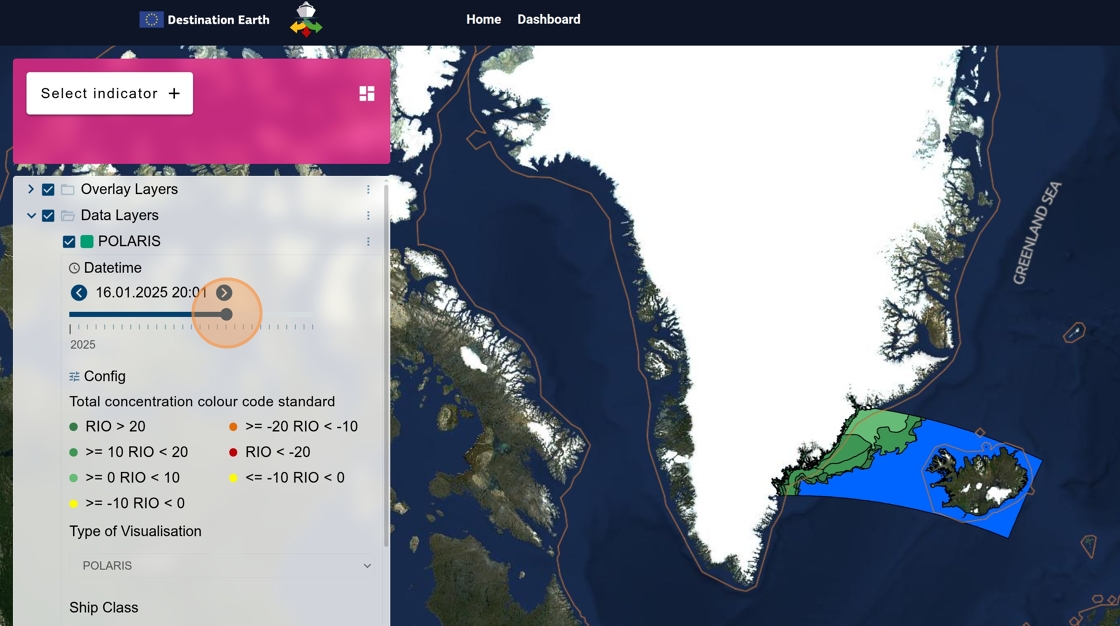
What you’ll accomplish: Explore POLARIS results and compare visualizations by ship class, ice type, and date.
Applications used: Publishing Dashboard
Estimated time: 5 minutes
Before you start: No Workspace account is required; the example is available through the DESIDE dashboard.
1. Navigate to https://
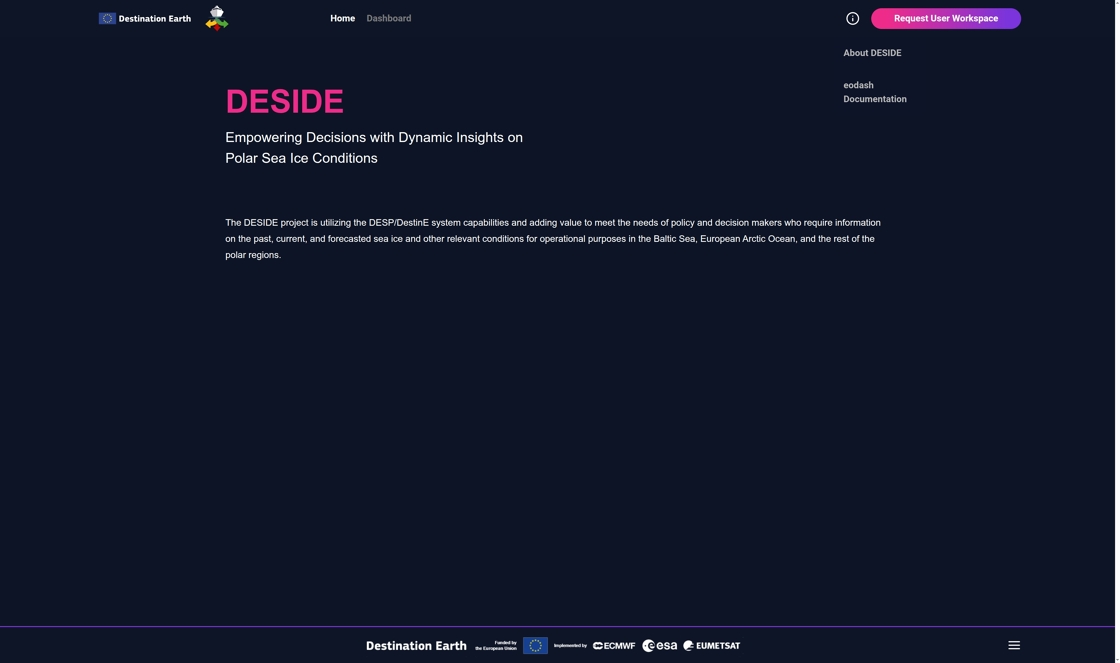
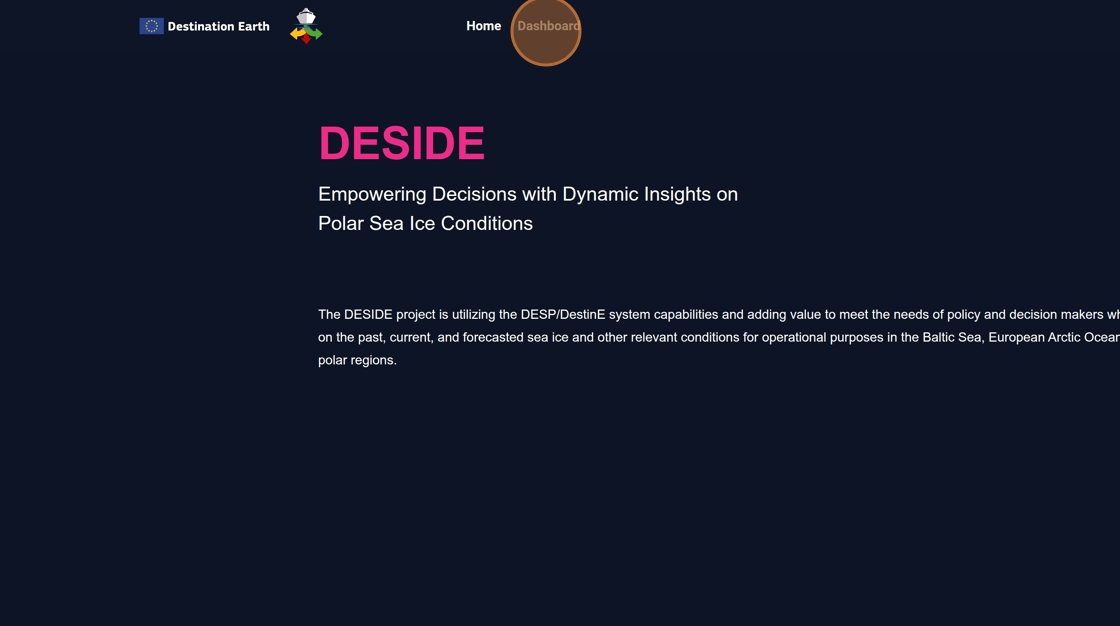
2. Click “Dashboard”
3. Click “Select indicator”
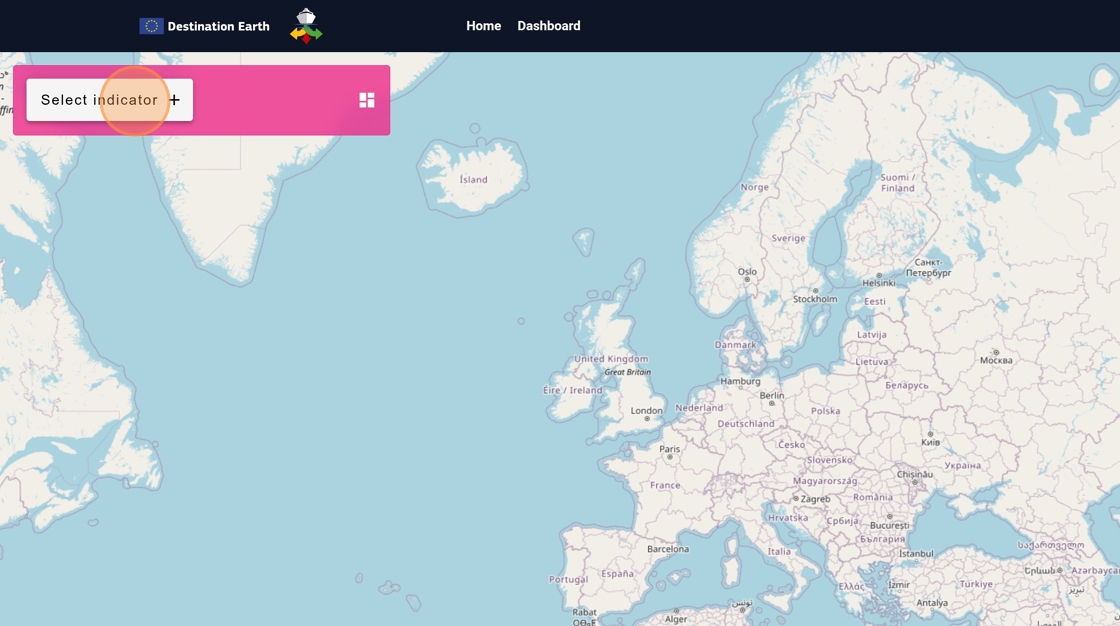
4. Click “POLARIS”
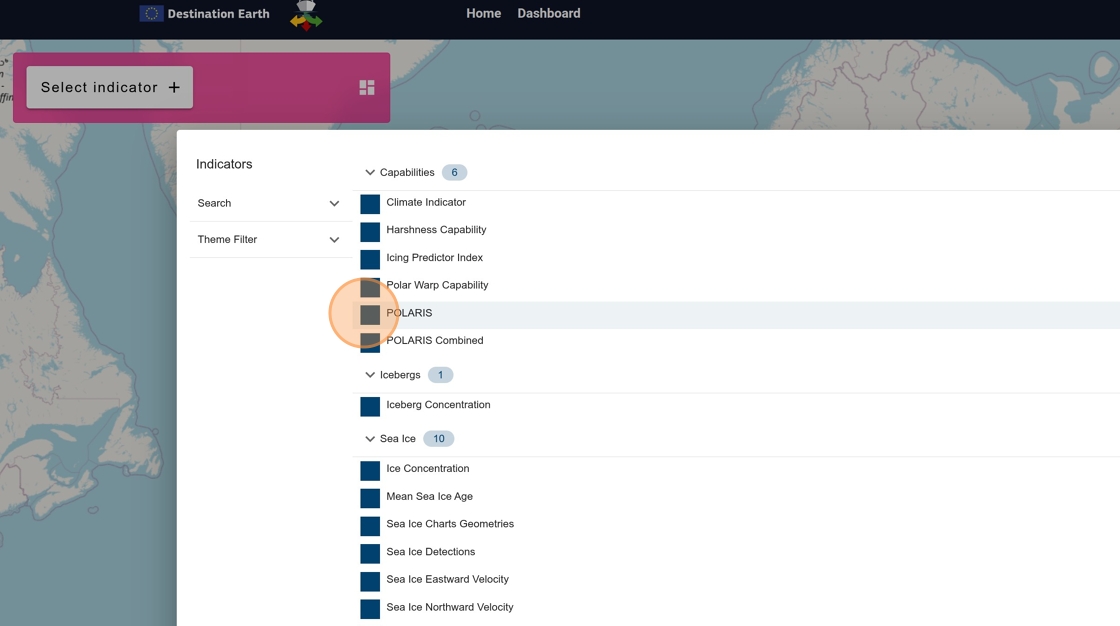
5. POLARIS options are displayed in the left panel
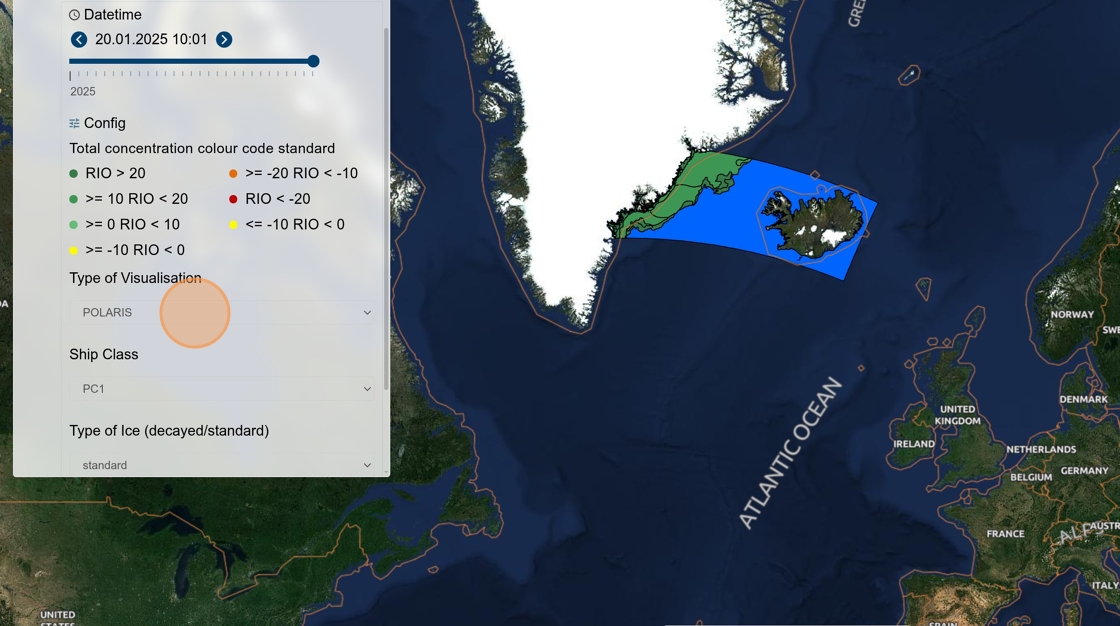
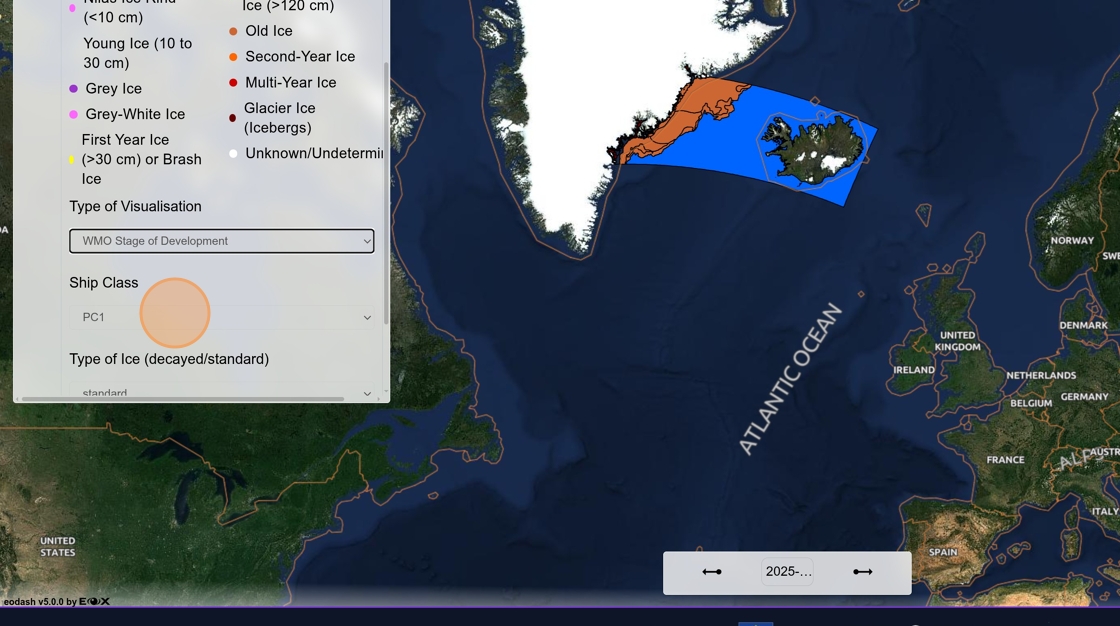
6. You can select Type of Visualization, Ship Class and Type of Ice
7. Additional information are displayed on mouse hover
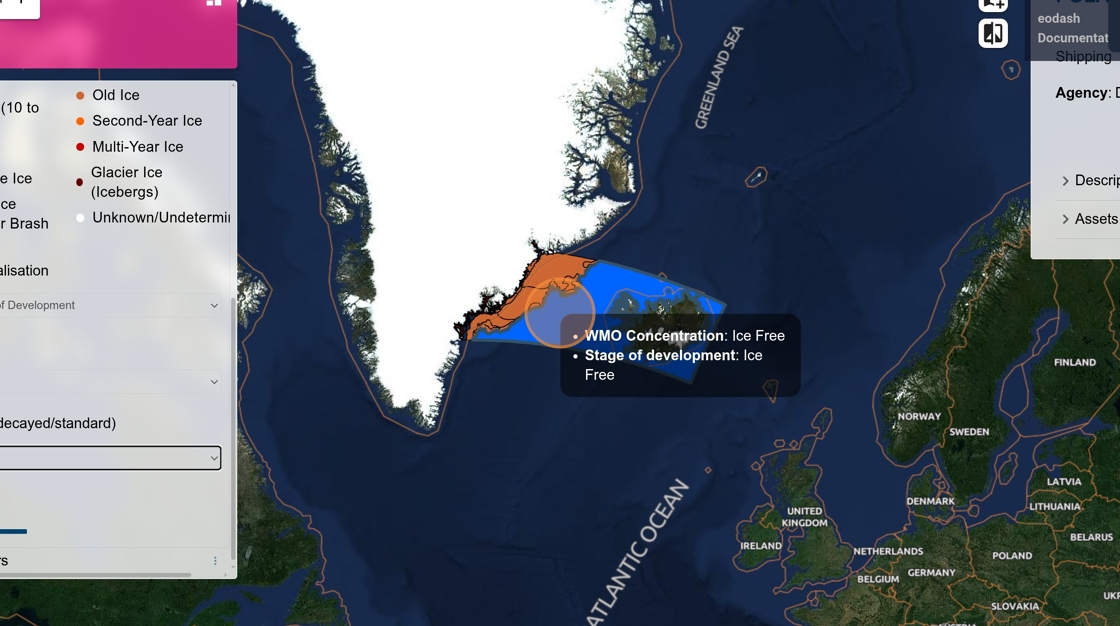
8. Different information is available for different visualization
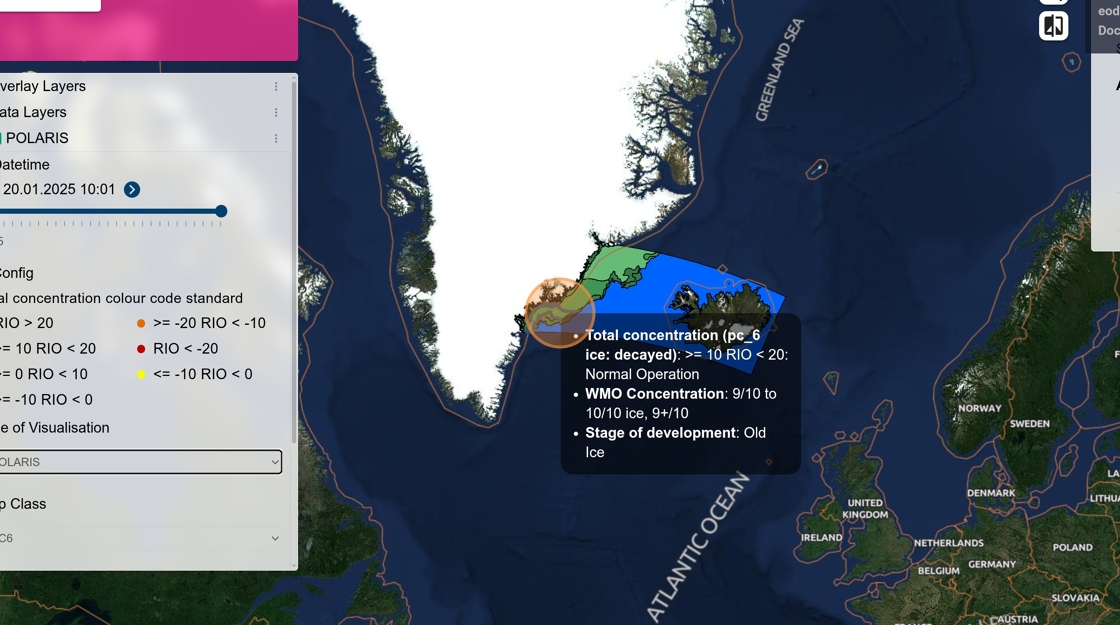
9. Date selection allows comparison