We use Zot Registry - a lightweight, OCI-native container image registry - as a repository for storing and managing container images within EOxHub Workspaces. You can easily push your custom images to Zot and pull them directly into your Argo Workflows.
The login credentials can be found in the secret registry-login in the credentials manager of your workspace.
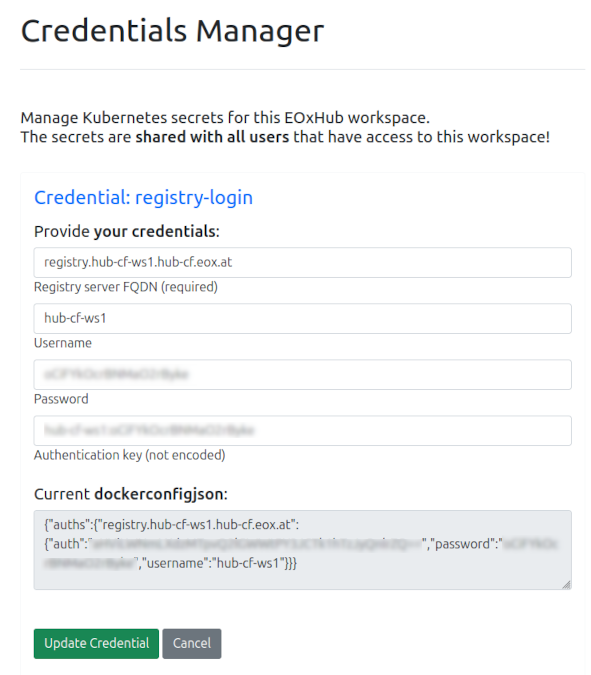
Figure 1:Credential ‘registry-login’ contains the login information for the container registry: registry server FQDN (URL), username & password
Upload images to registry
Authenticate with the endpoint and push your locally built images using standard tools like Docker or Podman, e.g.:
Login
docker login -u <username> registry.[workspace-name].[cluster].eox.at
# Type in the password when asked.
Tag your image
docker tag my-image:latest registry.[workspace-name].[cluster].eox.at/my-image:latestPush the image to the registry
docker push registry.[workspace-name].[cluster].eox.at/my-image:latest
After a successful upload, the image is visible in the UI and in the file browser.
Reference in Argo
Update your Argo Workflow templates to point to the Zot registry URL in your container or script definitions.
Official documentation: https://
zotregistry .dev